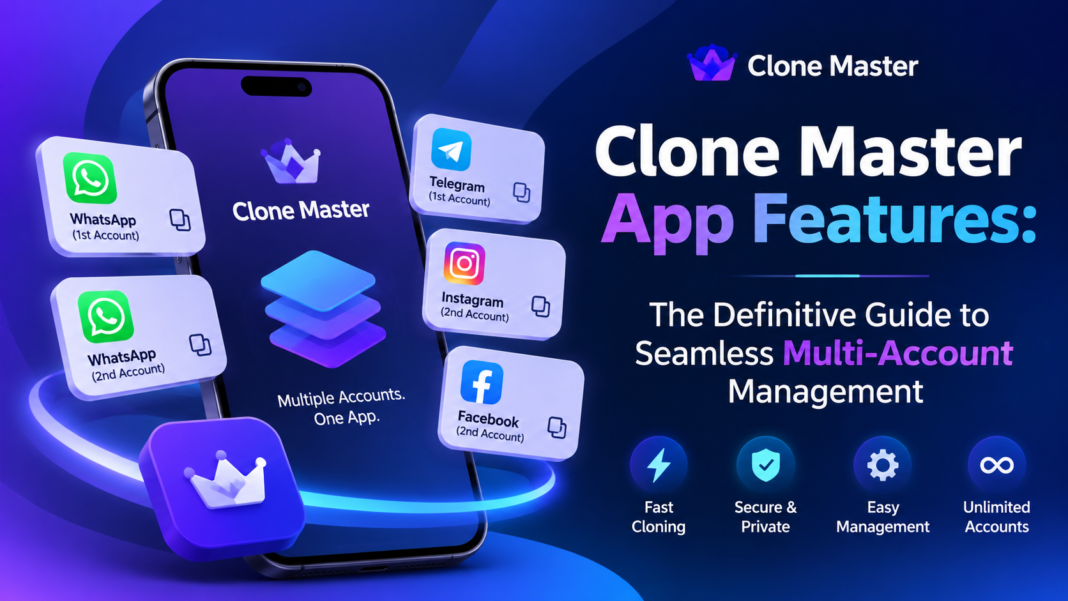
If you are already familiar with the basics of application cloning, you know how essential it is to manage multiple accounts on a single device without hassle. But if you want to know whether this specific tool can truly handle your daily workload, exploring the complete breakdown of Clone Master app features is the best place to start.
While understanding What Is Clone Master gives you a quick overview of the tool, its real power lies in its execution—from seamless multi-account cloning and visual customization to advanced privacy vaults. As your tech advisor, I have broken down every core capability below so you can see exactly how these features solve your multi-account management needs and whether this tool is the right fit for your setup.
Core App Cloning & Multi-Account Management
At its heart, Clone Master is engineered to solve one fundamental problem: switching friction. Instead of juggling credentials across platforms, the core Clone Master app features give you instant access to multiple active identity profiles right from your home screen.
- Dual & Simultaneous Active Accounts: You can clone and run active instances of your favorite social media, messaging, and mobile gaming platforms on a single smartphone. Both the original and cloned apps remain active simultaneously, meaning you never miss an urgent work message while browsing your personal feed.
- Fast Account Switching: With a single tap, move effortlessly between separate profiles. No logging out, no authenticating twice, and no waiting for OTPs.
- Complete Data Isolation: One of the standalone Clone Master app features that provides true peace of mind is strict data separation. The app builds a virtualized boundary between your main application and its cloned copy. Your professional contacts, cache files, and private messages never overlap with your personal data.
- Broad Platform Compatibility: Whether you need to run two instances of WhatsApp, duplicate Instagram accounts, or pilot secondary accounts in competitive mobile games, Clone Master supports cloning across the vast majority of mainstream Android applications.
Next-Level Customization & Organization
Running multiple copies of the exact same app can quickly get confusing if they all look identical on your screen. Among the most user-centric Clone Master app features are its visual organization and workspace options designed to clear up device clutter.
- Custom Names & Custom Icons: Clone Master allows you to rename any cloned copy and change its app icon. You can label your second communication app “Work Desk” or give your secondary gaming profile a unique icon so you never launch the wrong instance by mistake.
- Personalized Spaces: Rather than cluttering your home screen with dozens of clones, you can organize your duplicated applications inside custom-defined app spaces. This creates a clean, streamlined dashboard for your daily workflow.
Advanced Privacy & Practical Utility Extras
If security and privacy are top priorities for you, this is where Clone Master truly shines. Beyond simple application duplication, the extended Clone Master app features act as a personal security vault for your sensitive data.
- App Lock & Secure Privacy Space: You can hide cloned applications inside a dedicated, password-protected Privacy Space. Whether you are safeguarding financial apps or private messaging channels, the built-in App Lock keeps unauthorized users out.
- Private Notes: Keep sensitive credentials, passwords, or personal thoughts secure within the application using the integrated Private Notes utility.
- Direct Chat (No Contact Saving Needed): One of the most convenient utility-focused Clone Master app features is Direct Chat. It lets you send instant messages directly to numbers without adding them to your device’s phonebook, keeping your personal contact list clean and private.
Under the Hood: Technical Engine & Compatibility
To ensure a smooth day-to-day experience, the underlying framework supporting these Clone Master app features includes essential technical capabilities:
- 64-bit Architecture Support: Clone Master seamlessly runs modern 64-bit applications and high-end mobile games without requiring cumbersome external plugin downloads.
- No Rooting Required: You get full access to all features on standard devices without needing to jailbreak or root your Android operating system.
- Notification Reliability: Background processes are stabilized to ensure real-time notifications arrive from your cloned communication apps without delay.
Performance Expectations & Troubleshooting
As your tech advisor, I believe in total transparency so you know exactly what to expect. While exploring the Clone Master app features, it is worth keeping a few operational considerations in mind:
| Feature Dimension | What You Need to Know | Recommendation |
| Resource Usage | Running multiple active instances consumes additional RAM and storage. | Keep app caches clear if running multiple heavy game clones. |
| App Security Locks | Certain apps with strict device-binding (e.g., specific banking apps) may resist cloning. | Use Clone Master primarily for social, messaging, and gaming apps. |
| Data Privacy Disclosures | Standard store listings show the app collects usage data for analytics/ads. | Adjust your in-app privacy permissions according to your preference. |
Like any virtualization software, you may occasionally run into minor glitches or permission conflicts depending on your OS updates. If you ever experience issues where an app crashes or fails to launch, bookmarking a dedicated guide for Clone Master not working can help you quickly resolve common errors without losing your data.
Is Clone Master Right for You?
If you are looking for a reliable, customizable, and privacy-focused utility to manage your multi-account lifestyle, Clone Master is precisely the tool you need. It combines seamless account switching with visual customization and private security options into a single, straightforward application.
Instead of struggling with constant logins or carrying a second phone, you can streamline your digital life today. Head over to download Clone Master, set up your primary work or gaming clones, and experience how easy true multi-account management can be.
FAQs
- What are the key Clone Master app features for privacy?
- Answer: Clone Master provides a built-in App Lock, a hidden Privacy Space to secure cloned apps with passcodes, Private Notes for confidential data, and a Direct Chat tool that lets you send messages without saving numbers to your phonebook.
- Can I run high-end games using Clone Master app features?
- Answer: Yes, Clone Master supports 64-bit architecture, allowing you to run performance-heavy modern mobile games and secondary gaming profiles simultaneously without needing external plugins.
- Do Clone Master app features require root access on Android?
- Answer: No, all Clone Master app features work seamlessly on standard Android devices without requiring root access or system modifications.
- Will I receive real-time notifications from cloned applications?
- Answer: Yes, Clone Master stabilizes background processes to ensure notifications from cloned communication apps (like WhatsApp or Telegram) arrive in real time without delays.
- How do Clone Master app features isolate data between accounts?
- Answer: Clone Master creates a sandboxed virtual environment for each cloned app. This ensures that personal data, cache files, and contacts in your main app remain completely separate from your cloned profile.