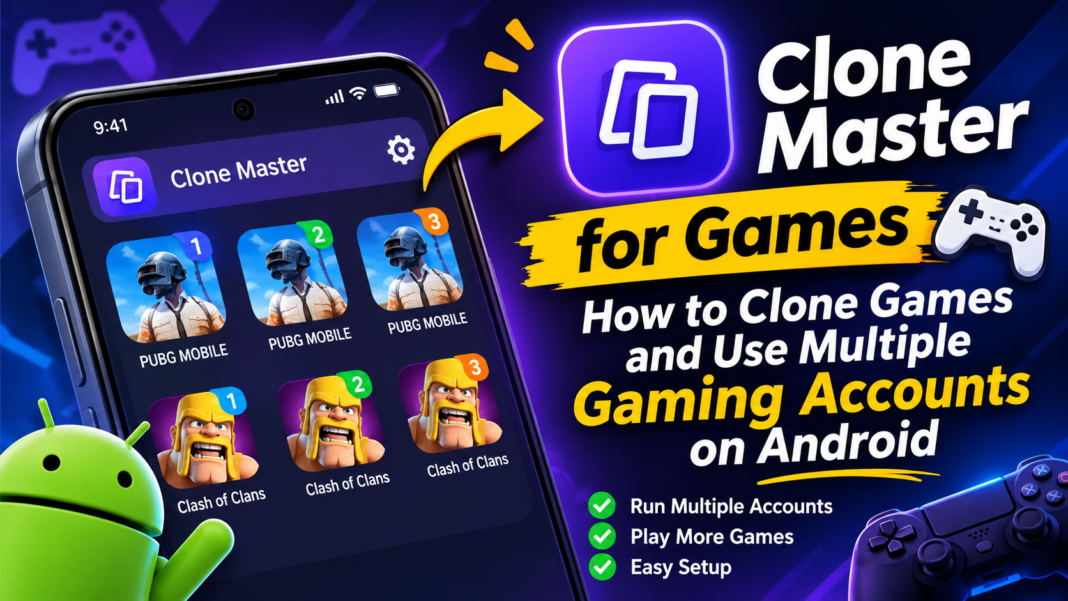
Looking for a way to use Clone Master for games? If you want to manage multiple gaming accounts on one Android phone, app cloning tools may help. But can Clone Master duplicate games, run separate accounts, or support titles like PUBG and Roblox? If you are new to the app, start with this guide: What Is Clone Master. This article explains what you should know before choosing a cloning method.
Can You Use Multiple Gaming Accounts on One Phone?
Yes. Android users can manage multiple gaming accounts on one phone through app cloning tools and built-in features such as Secure Folder and Work Profiles. These methods create separate instances of a game, allowing you to sign in with different accounts without repeatedly logging out of the original version.
Some Android features and cloning methods let you create additional copies of a game. You can also combine the original game with separate app environments to keep different accounts apart. However, the exact number of instances depends on your device and the method you use.
How to Clone a Game with Clone Master
Before using Clone Master for Android games, check whether the application supports the specific game you want to duplicate. If you haven’t installed the app yet, you can download Clone Master before checking its available features.
The exact steps for cloning a game depend on the application’s supported features. In general, app cloning tools use a simple process:
- Open the cloning application.
- Tap the + icon, if available.
- Select the game you want to duplicate.
- Wait for the separate app instance to be created.
- Add a home screen shortcut if the option is available.
Once the second instance is ready, you can open it separately from the original game.
Keep in mind that these are general steps for app cloning. The exact menu names and options may differ in Clone Master.
How to Log In with a Second Gaming Account
After creating a separate game instance, you can sign in with another account without changing the login details in the original app.
The general process is straightforward:
- Create a separate copy of the game using a supported cloning method.
- Open the cloned version from the cloning app or its home screen shortcut.
- Wait for the game to load.
- Enter the login details for your second gaming account.
Android’s Secure Folder and Work Profile features offer alternative ways to keep game instances separate. You can install or add another copy of the game in a separate environment and sign in with a different account.
This approach is useful when you want to keep personal and secondary gaming profiles apart. However, the exact process depends on your phone and the cloning method.
Which Games Can You Use with Clone Master?
Game compatibility is one of the first things to check before using Clone Master for gaming. Popular Android titles such as PUBG, Free Fire, Mobile Legends, and Clash of Clans are examples of games users may want to run with separate accounts.
However, compatibility can vary between games and devices. The fact that a game works with an app cloning method does not automatically mean it will work with Clone Master.
Before creating a second instance, check whether your chosen game is supported. Also consider the game’s size and storage requirements. Large titles such as PUBG may need to download additional assets after installation, so make sure your phone has enough free space.
Does Clone Master Work with Roblox?
Whether Clone Master supports Roblox depends on the application’s compatibility with the game. There is currently no confirmed information establishing that Roblox can be cloned with Clone Master.
If Roblox is the game you want to duplicate, check the application’s supported-app list before relying on it. A method that works with another Android environment may not work in the same way with Clone Master.
Common Problems When Cloning Games
Running multiple game instances can create storage and performance challenges, especially when the games require large downloads.
Here are some common issues to consider:
- Game assets do not finish downloading: Keep the game open while additional files download and monitor available storage.
- Downloads get stuck: Restart the download and check whether your device has enough free space.
- The phone becomes slow: Running several instances can affect performance, particularly on devices with limited RAM.
- Background apps close unexpectedly: Running multiple apps at the same time can put extra pressure on system resources.
These problems may vary depending on the game, device, and cloning method. Creating more copies does not always mean your phone can run them smoothly at the same time.
If Clone Master itself fails to open or stops working, see this guide to Clone Master not working for possible troubleshooting steps.
Is Clone Master Safe for Gaming Accounts?
Keeping separate game instances can help prevent account data from mixing. Each cloned application may maintain its own app data, allowing users to sign in with different profiles. However, separate storage does not automatically mean an application is completely secure.
Before using Clone Master with your main gaming profile, check its permissions and privacy information. Avoid assuming that separate account data guarantees complete protection. You can also learn more about the potential risks in this guide to Security of Cloning Apps.
Frequently Asked Questions
Can I use two gaming accounts on one Android phone?
Yes. App cloning tools and Android features such as Secure Folder and Work Profiles can help you create separate game instances and sign in with different accounts.
Can Clone Master clone Android games?
Game compatibility depends on the application and the specific title. Check whether your chosen game is supported before trying to create a second instance.
Can I play PUBG with two accounts on one phone?
You may be able to use separate game instances to manage two PUBG accounts. However, check whether your device and chosen cloning method support the game.
Does Clone Master support Free Fire?
There is no confirmed compatibility information for Free Fire and Clone Master. Check the application’s supported-app list before trying to clone the game.
Can I run three gaming accounts on one Android phone?
Some Android setups allow up to three separate game instances by combining the original app with additional app environments. Performance depends on your phone’s hardware and the game.
Will cloning a game make my phone slower?
It can. Multiple game instances use additional storage and system resources. Large games and phones with limited RAM may experience slower performance or unexpected crashes.
Conclusion
Using multiple gaming accounts on one Android phone is possible with app cloning methods and built-in Android features. Before choosing Clone Master for games, verify game compatibility, available storage, and device performance. The right setup should make managing separate accounts easier.